




Groove follows best practices of Gmail and Outlook for daily email limits by capping users at 1,800 emails per day in Gmail and 4,500 emails per day in Outlook. Once you hit that limit, Groove will prevent further email sends from a Flow. These limits are intentionally lower than Gmail and Outlook’s native send limits of 2,000 and 5,000 emails per day, respectively, to ensure that users are not locked out of their Gmail and Outlook accounts even if they hit these limits in Groove.
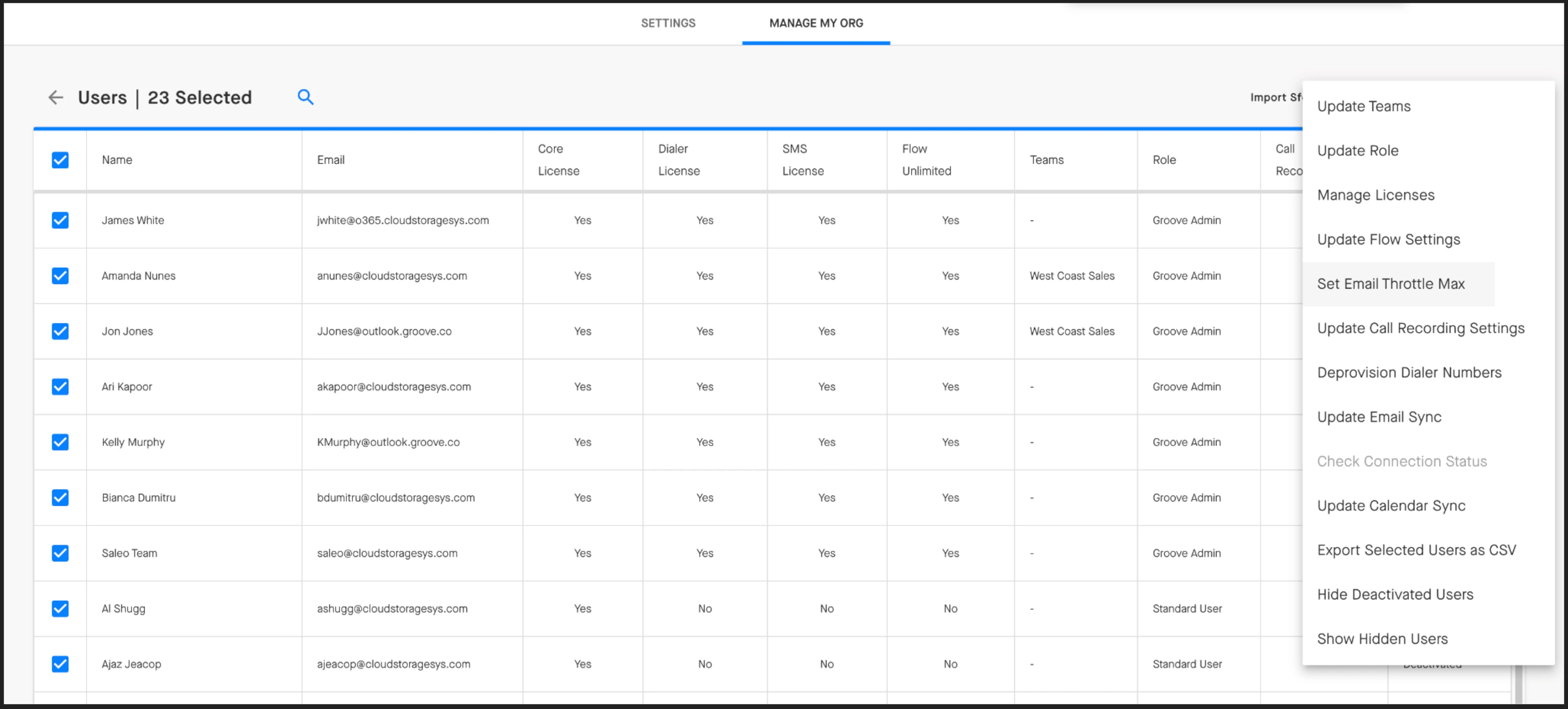
Additionally, organizations can set their own custom daily limits to prevent excessive outreach. In Manage My Org > Users, admins can Set Email Throttle Max at the individual user level.
If you’ve got concerns specifically around Gmail’s spam detection system, you can read more about what Groove users need to know here. Additional best practices around avoiding spam filters can be found in this guide from our Knowledge Base.