




Follow-up actions allow you to reply in the same email thread. Whether you’re composing your message in Groove or in your email inbox, you can schedule a reply to ensure it stays within the existing conversation. Any emails that you schedule send from Gmail using Gmail’s native schedule send can be set to track for opens and clicks, and log to Salesforce.
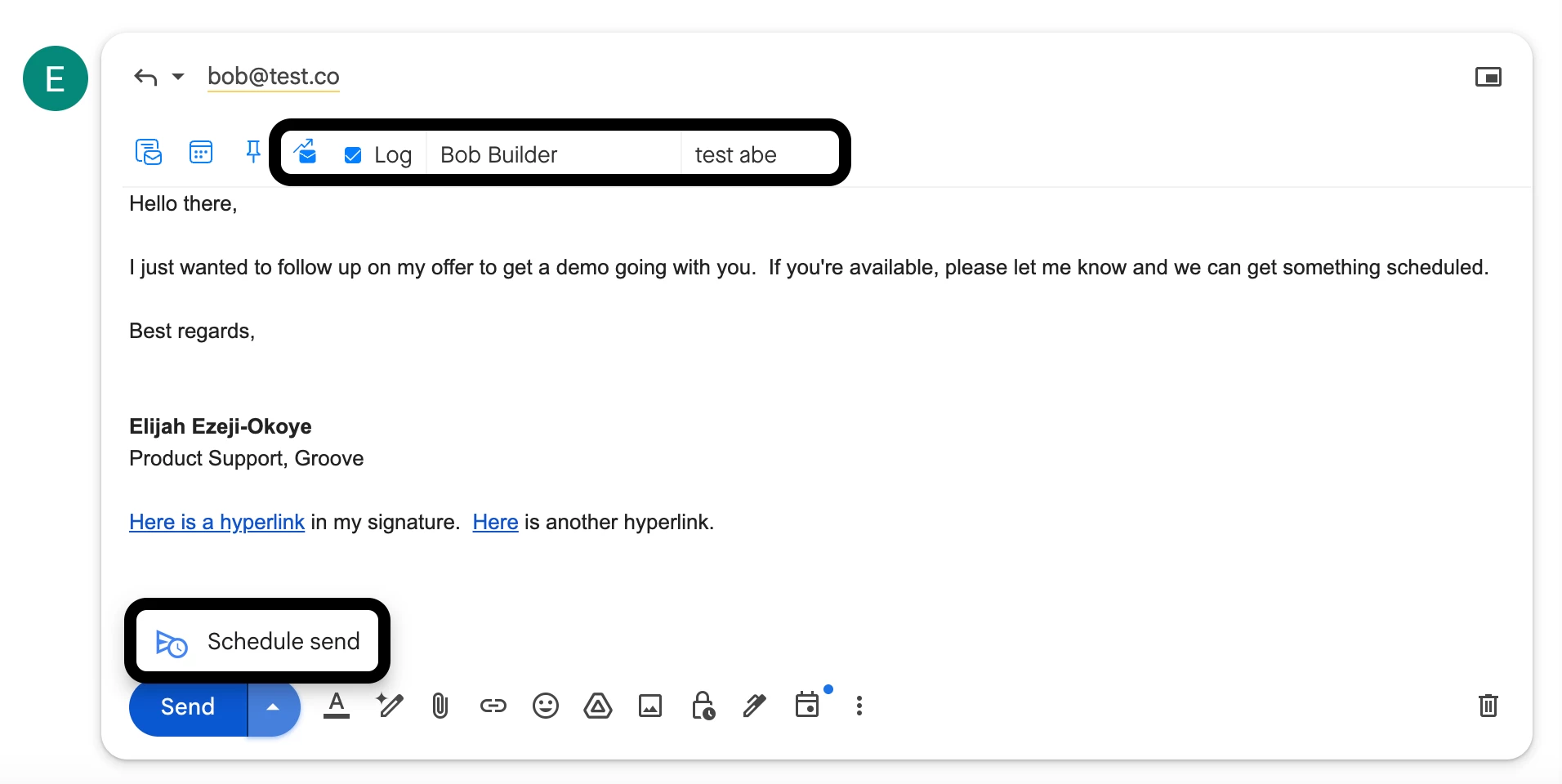
Additionally, the reminder feature (thumbtack icon) is a great way to manage follow-ups. For example, if a prospect asks you to reach out in 3 months, instead of setting a separate calendar reminder, you can create a follow-up directly in the email thread. When the reminder pops up on the specified date, you can respond in the same conversation, referencing their original request. This approach keeps the context intact and increases the likelihood of engagement.
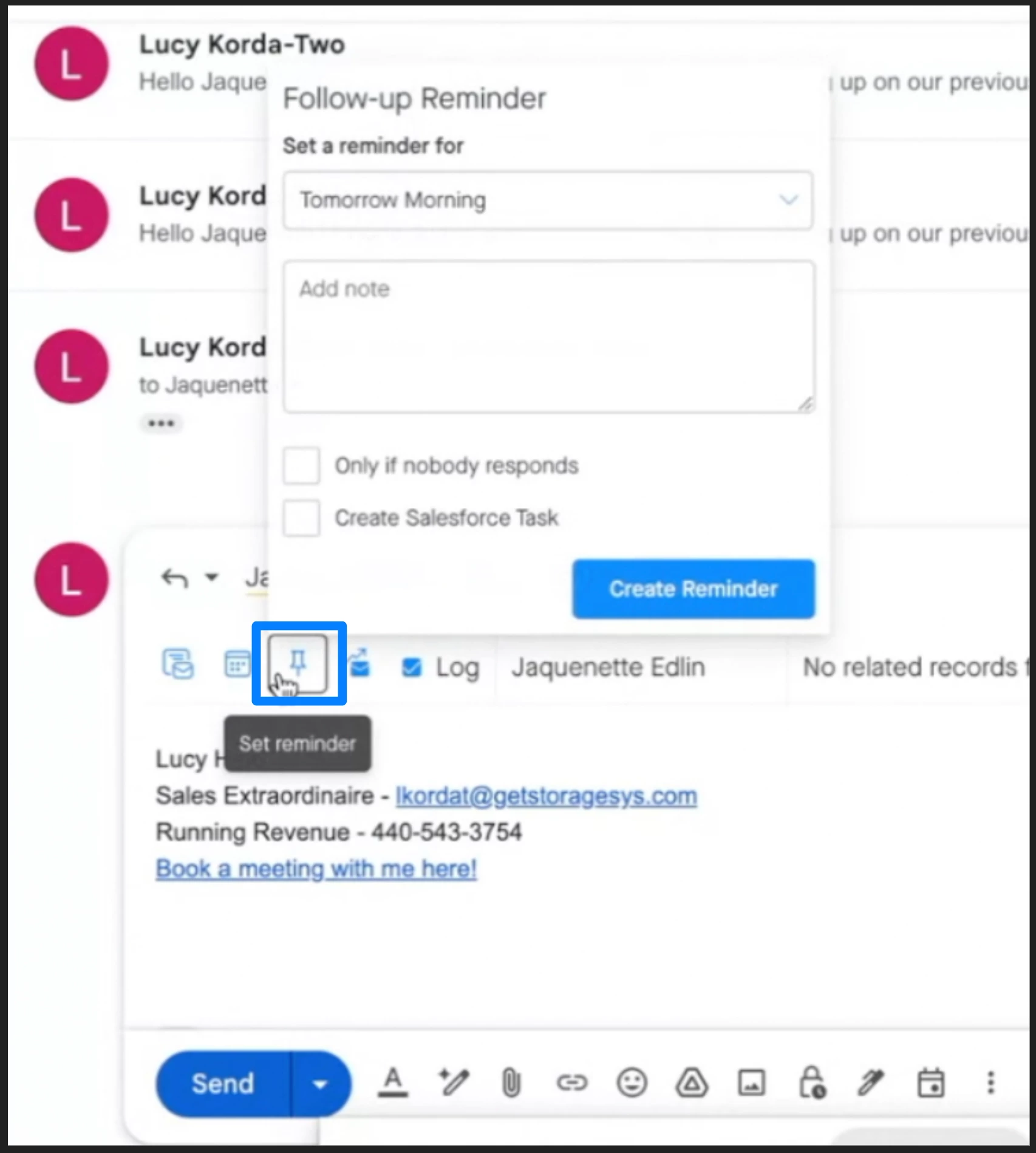
So whether you need to schedule-send a reply or set a reminder for a future follow-up, Groove makes it easy to manage both within your workflow.