If you’re reaching out to multiple people at once, you’re probably working in a Flow Step. From there, it’s really easy to review your activity history with a person or account via the Omnibar.
The Activity tab in the Omnibar will show you your own activities with the person or account, as well as those of anyone else using Groove in your organization.
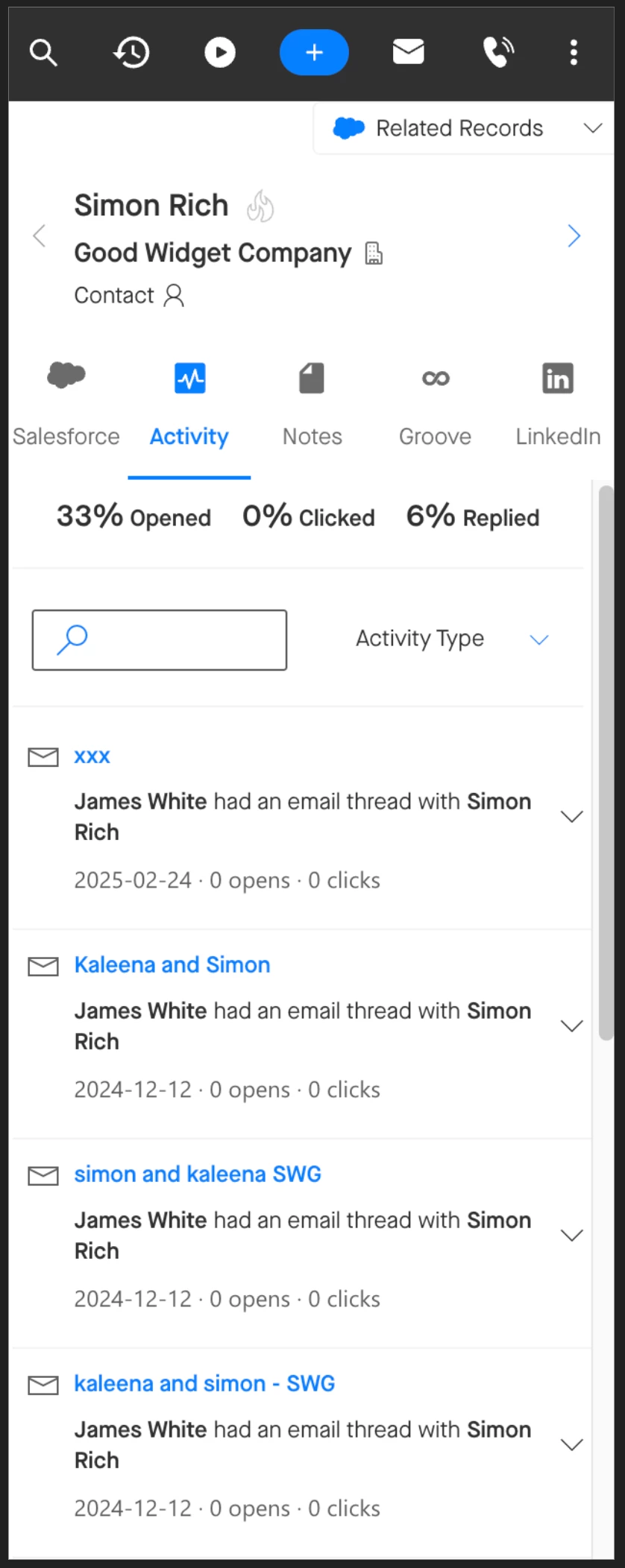
You also have the option to filter by types of activities, or search for keywords. This can be really useful if you’re trying to identify, for example, whether or not an account is using one of your competitors, or talking about pricing.
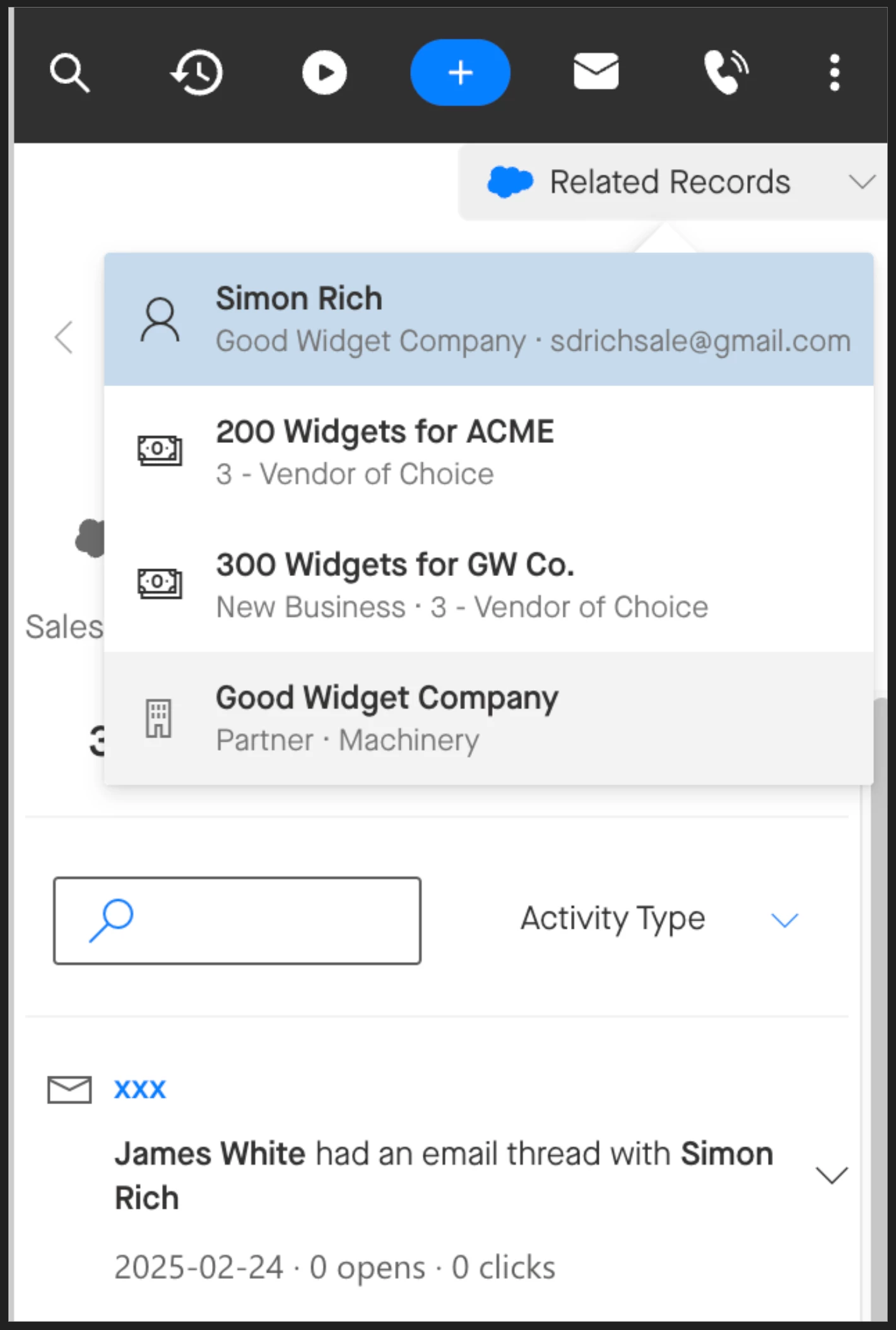
It’s really easy to navigate from the individual to the related account in the Omnibar using Related Records. You'll be able to see the entire account history, which can be particularly useful if the person you’re reaching out to is perhaps new to that account.