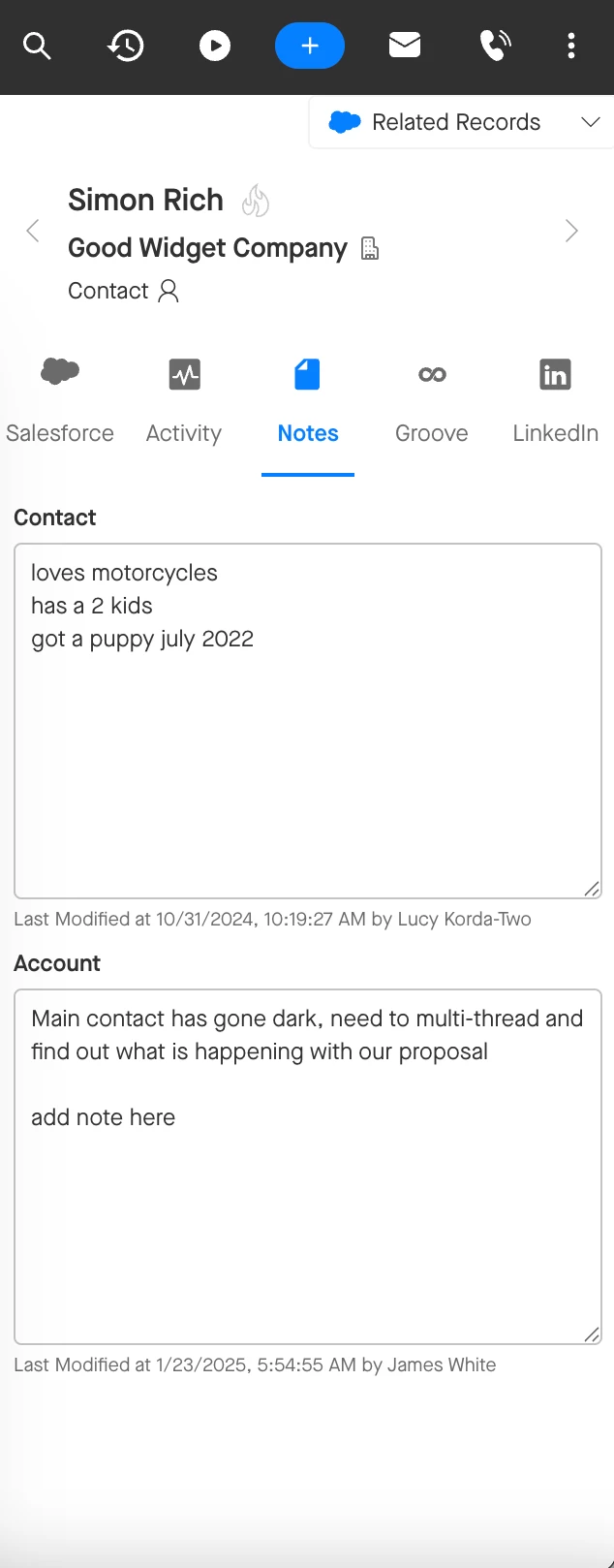
Groove Notes in the Omnibar enable you to jot down important information about your Contacts, Leads, Accounts, and Opportunities no matter where you’re working. Anything you add to the Groove Notes field is saved to the corresponding Salesforce record. By default, these notes save to the Groove Notes field, though your team may be saving them in a custom field instead.
The Groove Notes field in the Omnibar mirrors exactly what is in the Groove Notes field Salesforce. You do not need to delete your previous notes where you see them in the Omnibar in order to add new or additional notes. Simply add your notes, and what you added in the Omnibar will sync to Salesforce!
If you do delete your notes entirely, either from the Groove Notes tab of the Omnibar or from the Groove Notes on a Salesforce record, those notes will be deleted permanently.