




Our best practice recommendation to automate removing people from a Flow once a responsive is received or a meeting is booked would be to set up an automated action.
Users with edit access to a Flow have the option to set up Automated Actions for an individual Flow under the Flow Settings tab under Automated Actions for individual flows. Admins can set up Global Automated Actions that apply to all your organization’s Flows under the Automated Actions section of Manage My Org.
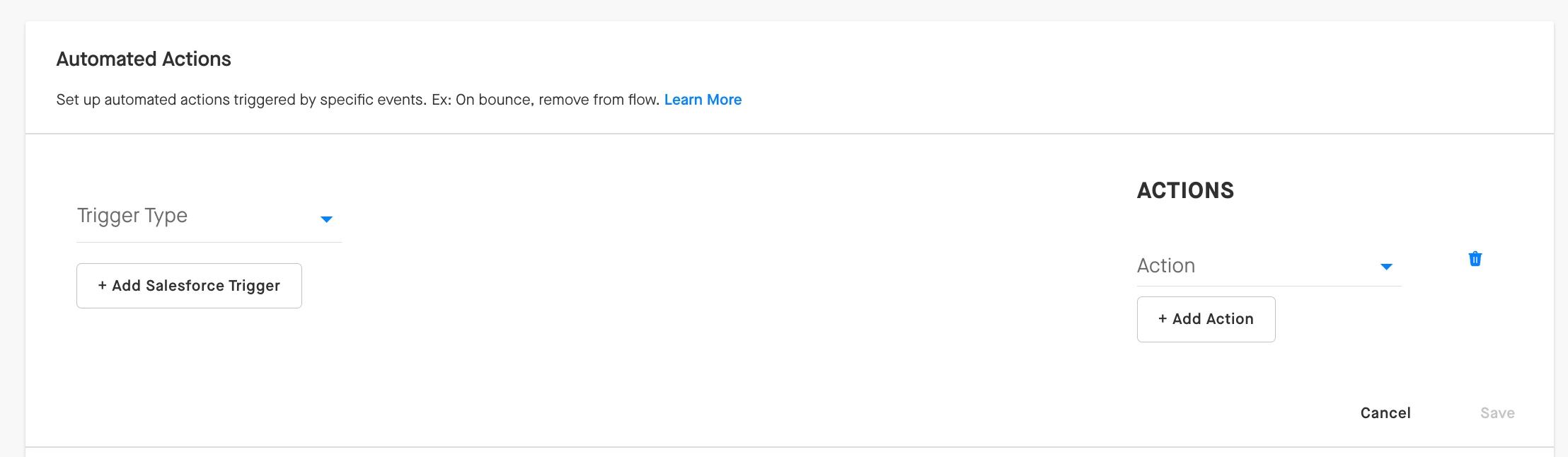
Some triggers you might use for this use case include...
- On Reply
- On Meeting Booked
...and the Automated Action you want Groove to take might include:
- Remove from Flow
- Remove Everyone in this Account from the Flow
More information on the various triggers and actions you can leverage in Automated Actions can be found in the guides below.
Tip: Removing everyone in an account from a Flow can be a great action for SDRs who typically add a few different people from an account into a Flow to try to get a meeting with one of them.
Without Automated Actions, users can simply remove people from a Flow directly from a Flow Step by clicking the X to the left of that person’s name.
