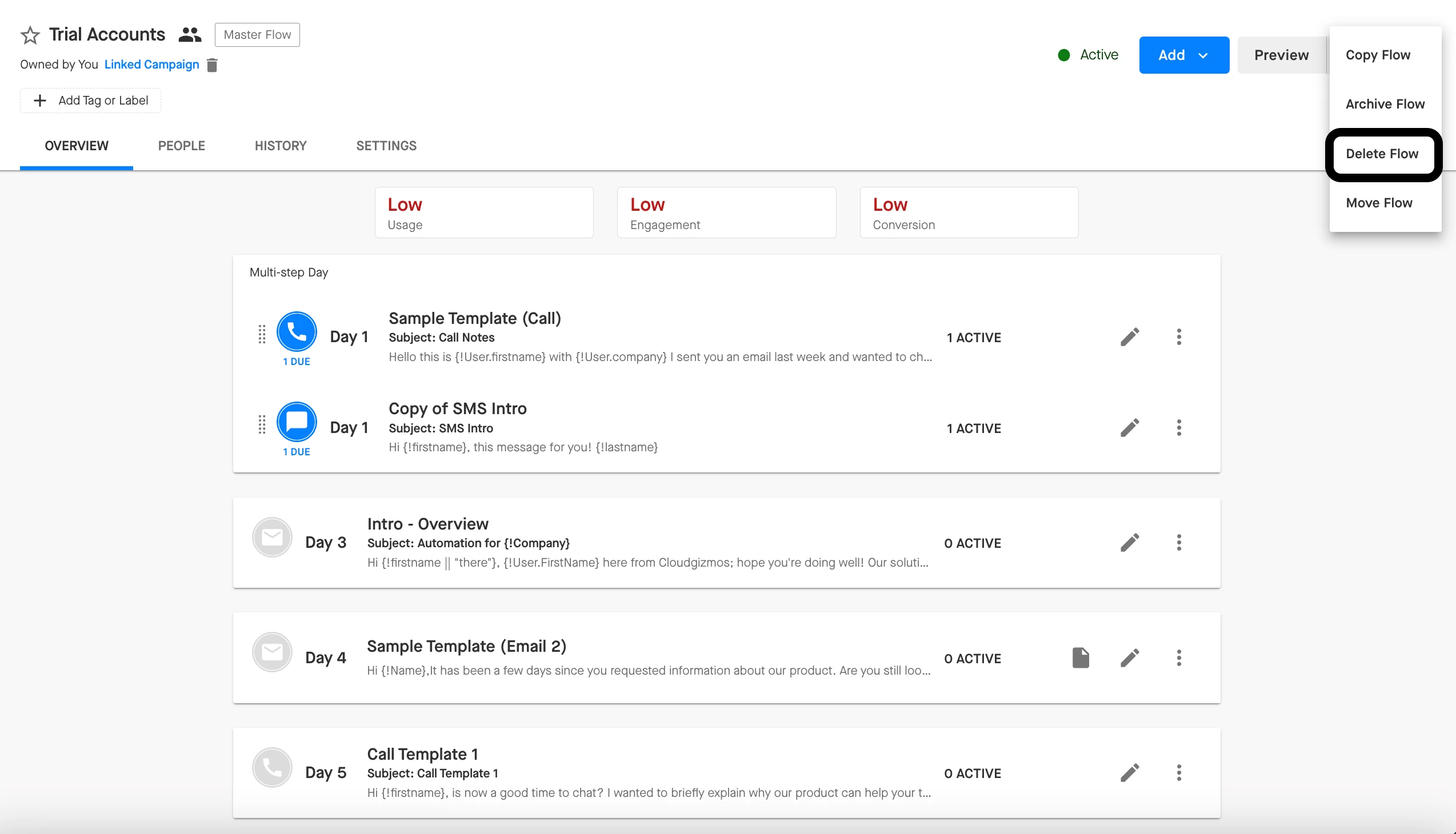
If you are the owner of the Flow, then you can delete a Flow by clicking into it, clicking the elipses in the upper-right corner, and then selecting the “Delete” option. Deleting a Flow will remove it from your Groove instance entirely.
If you are the owner of a Flow or if you have edit access to a Flow, you can archive it instead by clicking the ellipses next to the Flow, and selecting the Archive option. Archiving is useful if you want to temporarily take a Flow out of commission or if you want to be able to reference old Flows your team had used.

Note: If you have multiple flows, you can also sort and filter by archived flows to keep your workspace organized.
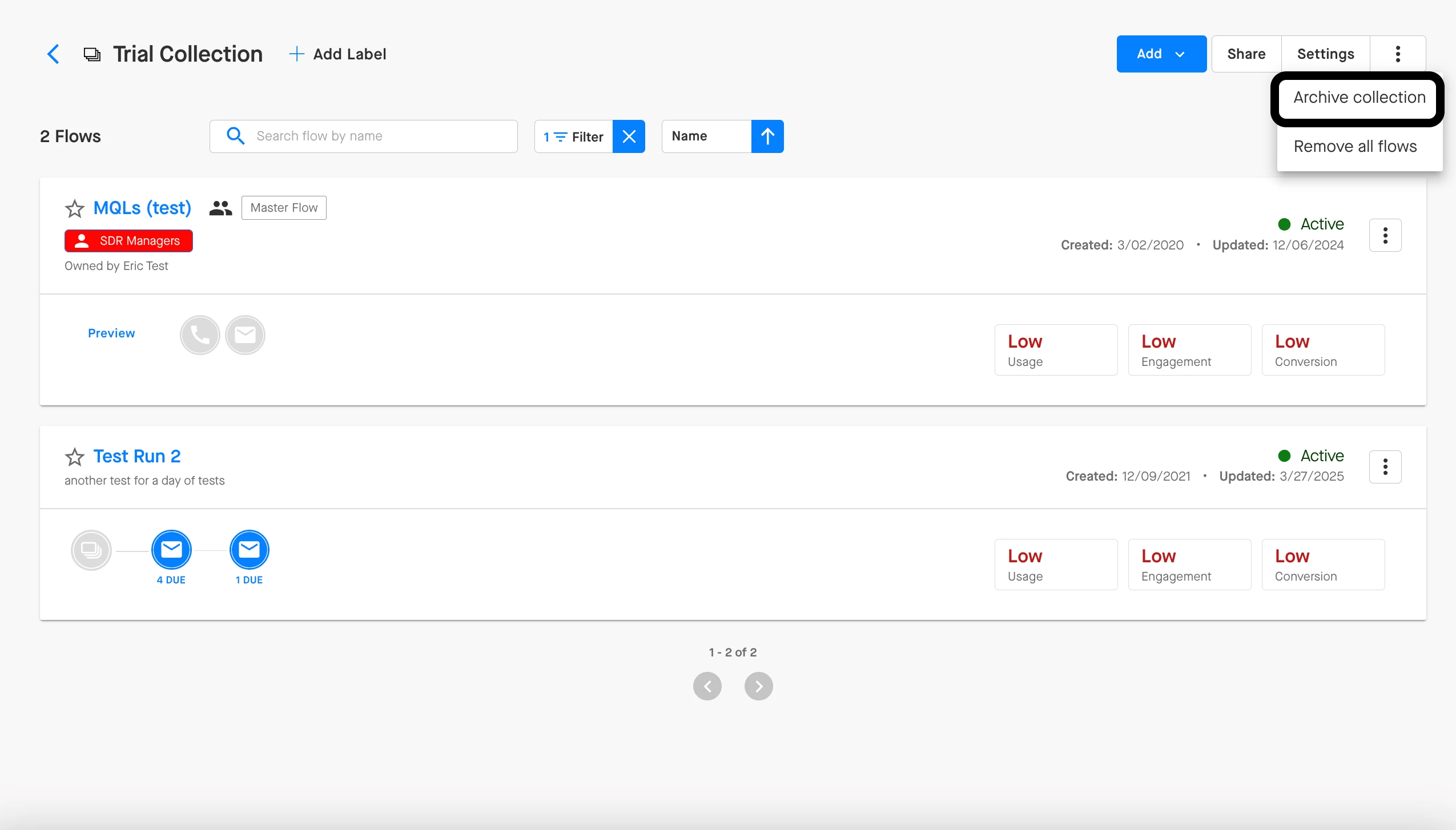
If you use Flow Collections to group similar or related Flows together, then you can bulk archive a Collection as well as long as you are the owner of the Collection.