




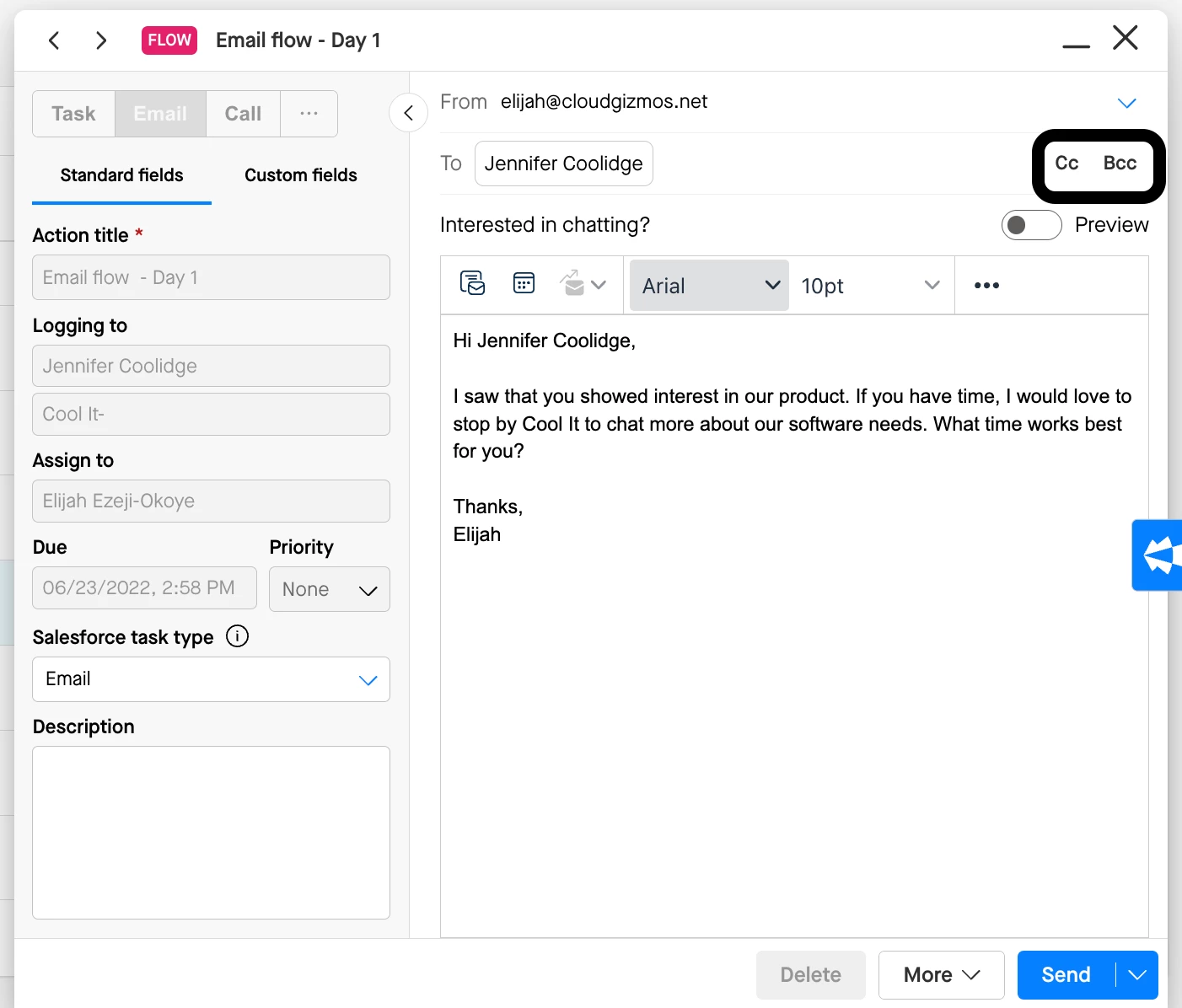
Groove Flows are primarily designed for one-to-one communications at scale, but you can manually CC additional recipients, including internal teammates. Simply add them to the CC field as you normally would in an email. The CC’d recipient(s) will remain included on any subsequent Flow emails unless they are manually removed from the CC line in the future.
Q: Is there a way to automatically CC an internal team member on every email in a flow?
A: While there isn’t a built-in setting for this, you can achieve it via CSV import. By including a column in your CSV labeled "CC," you can specify an internal email address that will automatically be CC’d on each flow email.
If you want to CC internal team member(s) on every email in a Flow step, you can include a CC (or BCC) column in a CSV import to do so. Learn more about how to import using a CSV, and how to format your column for CCing (or BCCing) recipients in the knowledge base.