


Overview
This article outlines how to navigate the Clari platform using the module navigation bar.
Contents:
Module Navigation
Analytics Modules
Search
Alerts
Help
Clari Studio
Module Navigation
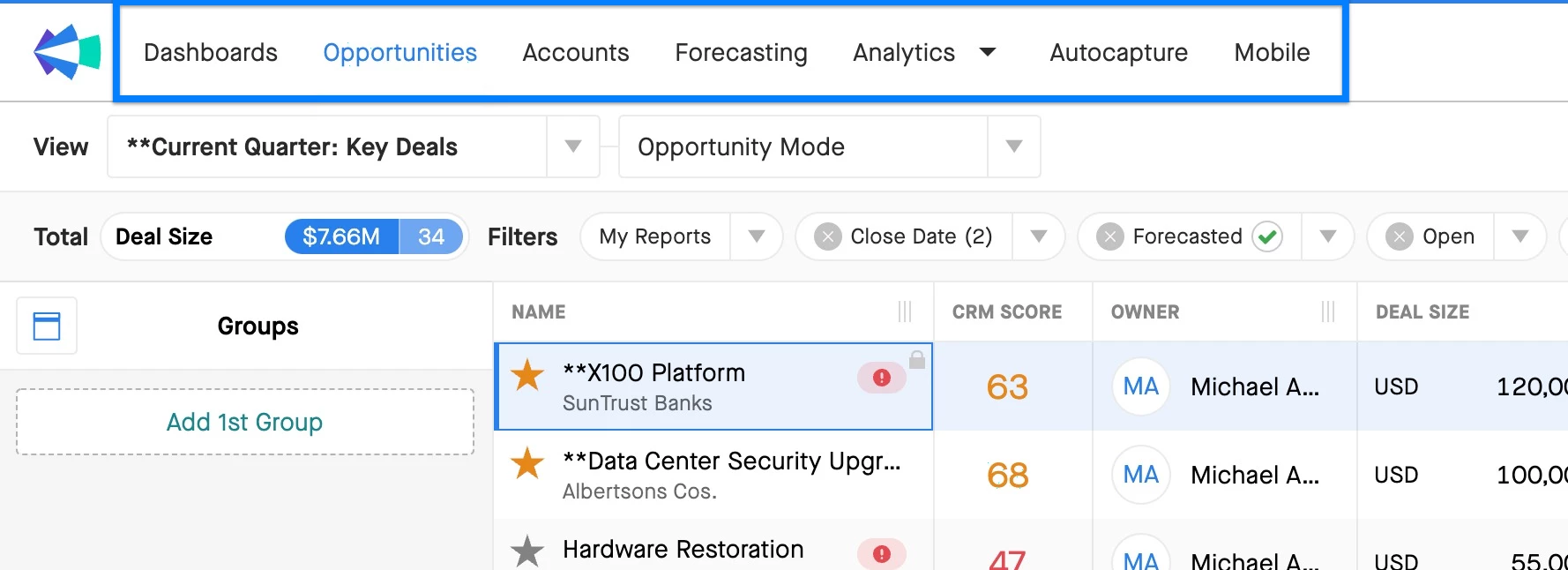
You will find all the modules in Clari at the top of your browser. The modules your user can access will appear in your module navigation menu.
Analytics Modules
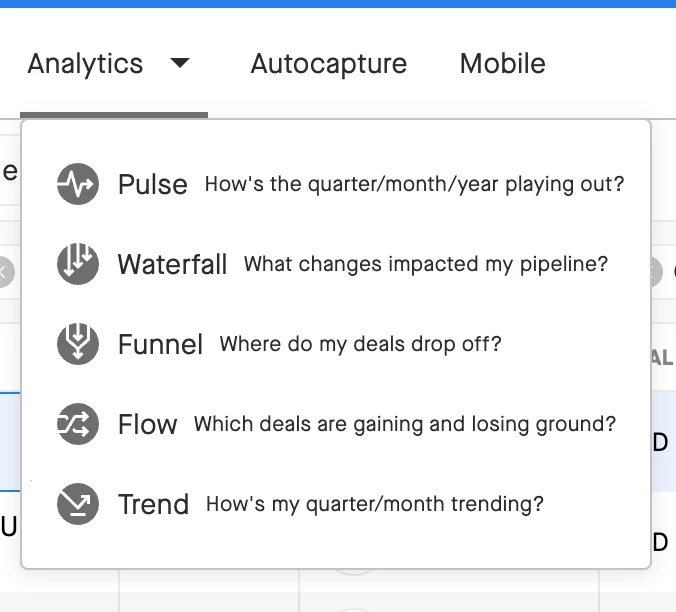
You can find the Analytics modules by clicking on the Analytics Module drop-down. Here you will find the different Clari Analytics modules.
Search
Use the search bar in the upper-right-hand corner to search across the accounts and opportunities in your CRM. Get visibility across your saved views, dashboards, and get quick access to insights and actions when you single click the search bar.

Notifications
Find your notifications by clicking the bell icon in the upper-right-hand corner to review your notifications. Data exported from Clari will show up here when it is ready.

Help
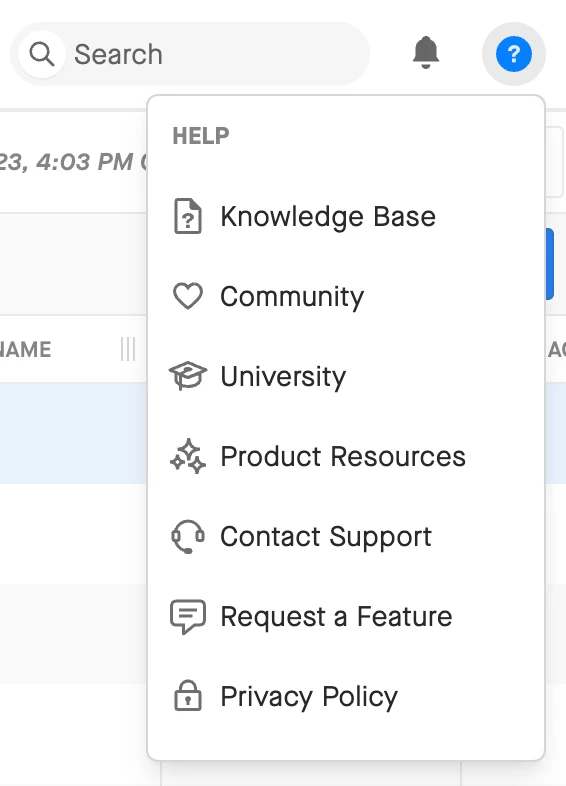
Open the help icon to find helpful links to get more information about Clari, or get more support.
-
Knowledge Base: Find all our product documentation here, including information about how Clari works, step-by-step guides, and best practices.
-
Community: Ask questions and share learnings or tips with other Clari users in the Clari Community.
-
Product Resources: Learn more about Clari in-app with walkthroughs and announcements.
-
Contact Support: Your company's Designated Support Contacts can open a case with the Clari Support team here.
-
Request a Feature: Share your ideas for how we could make Clari even better.
-
Privacy Policy: Get information about Clari’s privacy and security policies here.
Clari Studio
Sales Ops users can navigate to Clari Studio using the Studio icon.

Account Settings
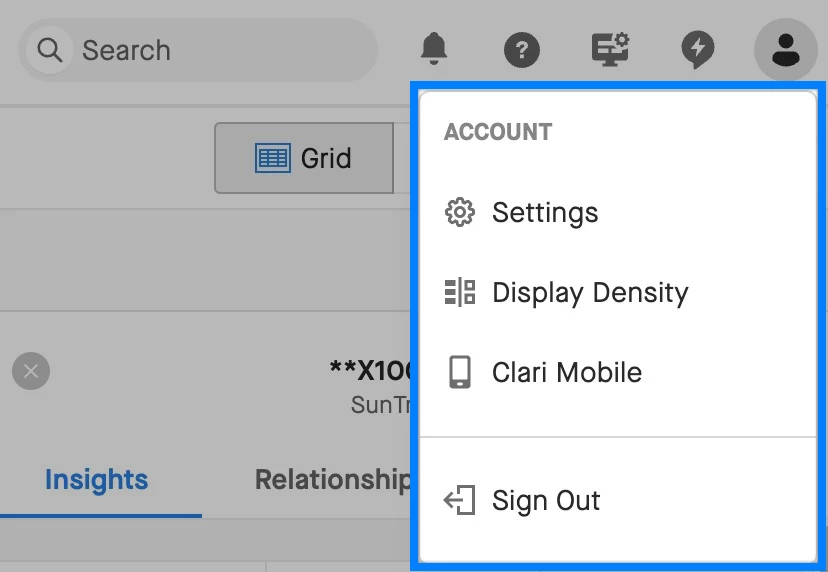
The profile icon gives you access to your account level settings, control over your display density, and gives you a link to directly download Clari mobile to your mobile device. You can also sign out at the bottom of the menu.