


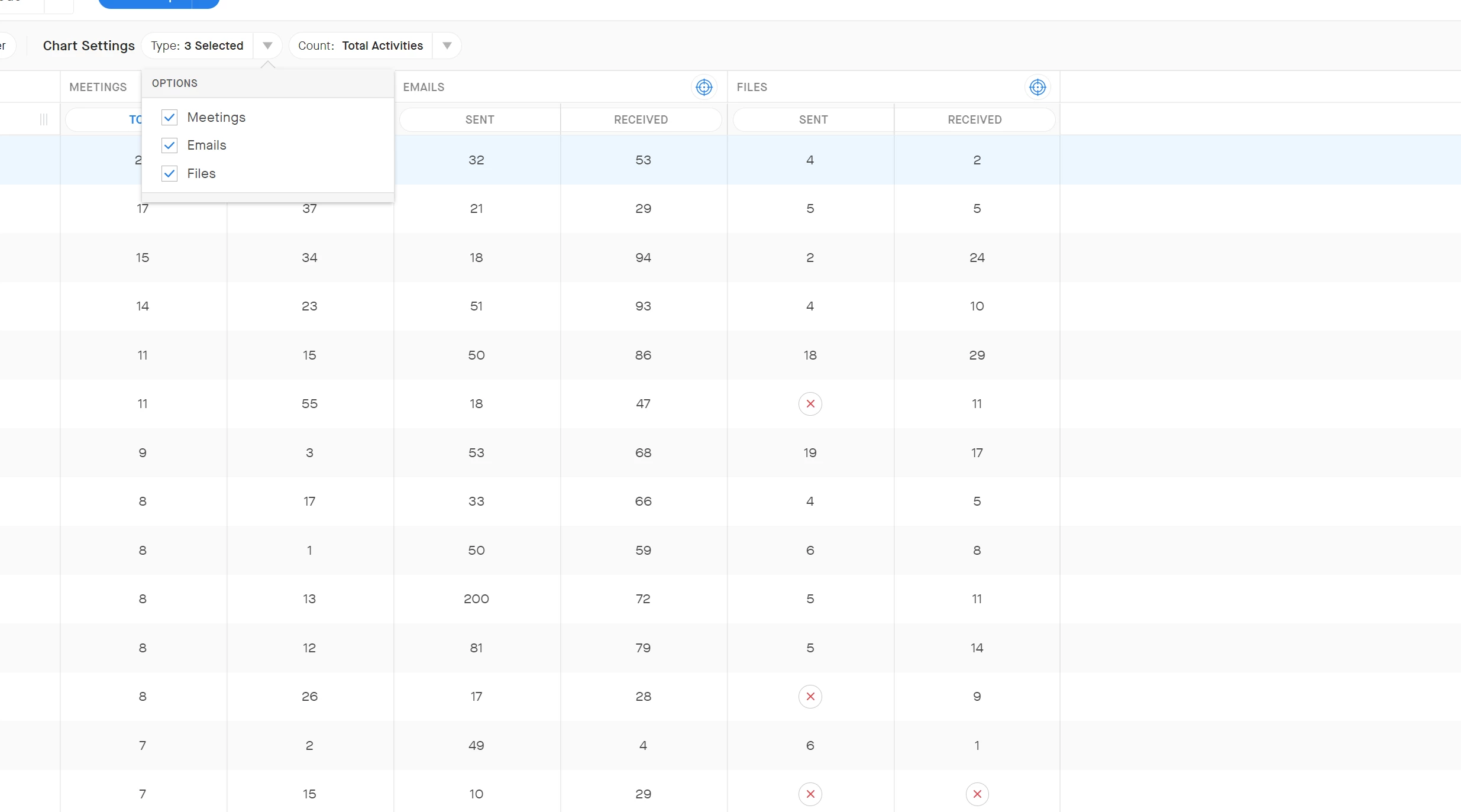
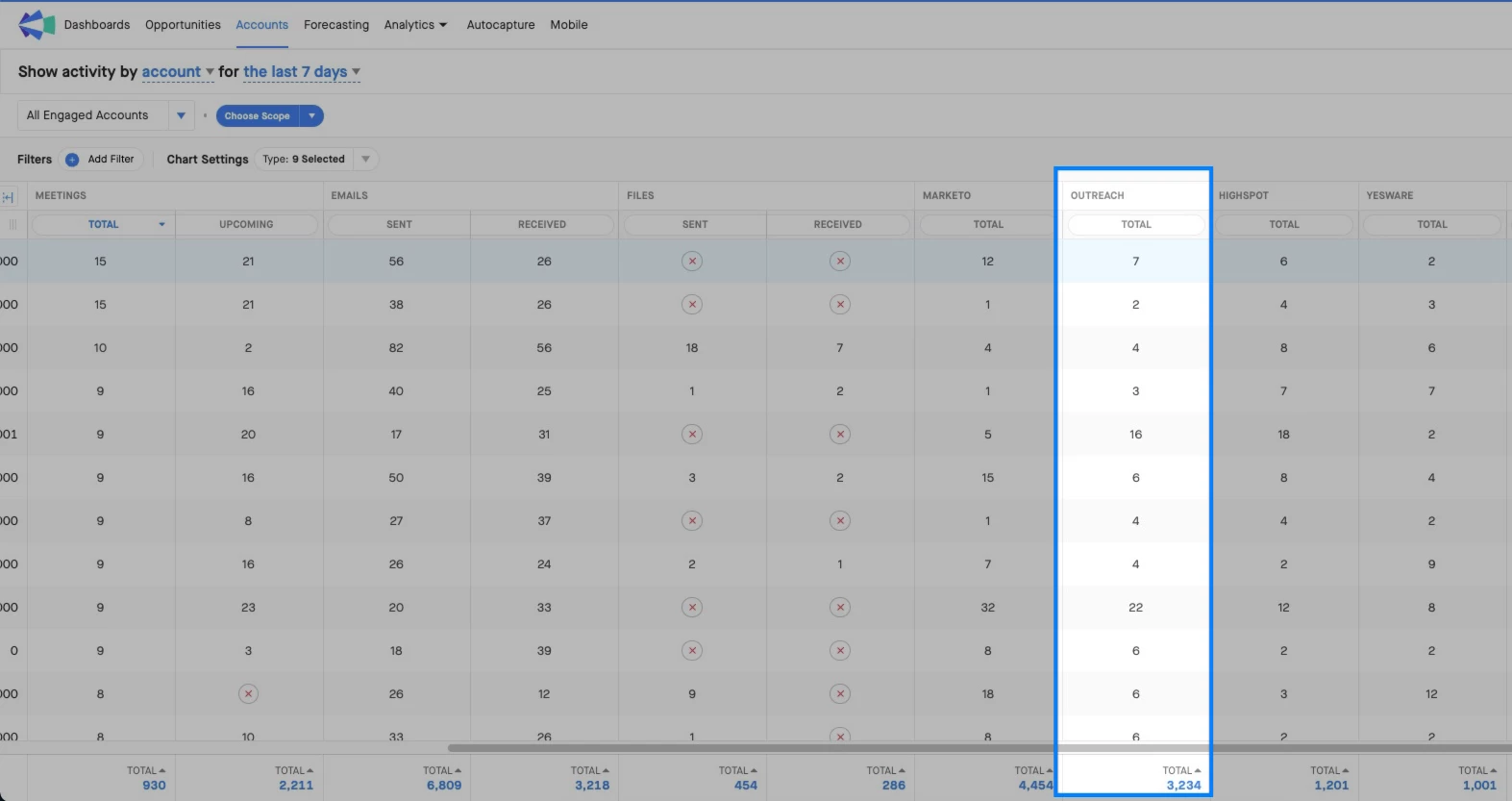
Our team has started leveraging the Meeting & Email data in the Account tab, but repeatedly points out that we’re missing Calls since that is a big part of our prospecting effort. While I understand Clari’s Exchange connection couldn’t access that directly we should be able to gather that information out of our Sales Automation Platform (SalesLoft/Outreach) since it is already connected and showing in the “review activities” section of Opportunities tab

Can I Include 'Calls' in Activity / Account tab?




Sign up
Please create your account below.
Clari customers and employees with an app.clari.com login can click the first blue Log in button below.
Align, Copilot, or Groove customers, Clari Partners, or other guests can enter a username and password below to log in.
Please reach out at community@clari.com if you need any help to log in.
Log in
Clari customers and employees with an app.clari.com login can click the first blue Log in button below.
Align, Copilot, or Groove customers, Clari Partners, or other guests can enter a username and password below to log in.
Please reach out at community@clari.com if you need any help to log in.
or
Welcome to the community
Create your account
Not a member yet? Join the Clari Circle Community to learn about our products, fine tune your craft, and accelerate your revenue career.
Create an accountClari customers and employees with an app.clari.com login can click the first blue Log in button below.
Align, Copilot, or Groove customers, Clari Partners, or other guests can enter a username and password below to log in.
Please reach out at community@clari.com if you need any help to log in.
Log in
Clari customers and employees with an app.clari.com login can click the first blue Log in button below.
Align, Copilot, or Groove customers, Clari Partners, or other guests can enter a username and password below to log in.
Please reach out at community@clari.com if you need any help to log in.
or
Enter your E-mail address. We'll send you an e-mail with instructions to reset your password.