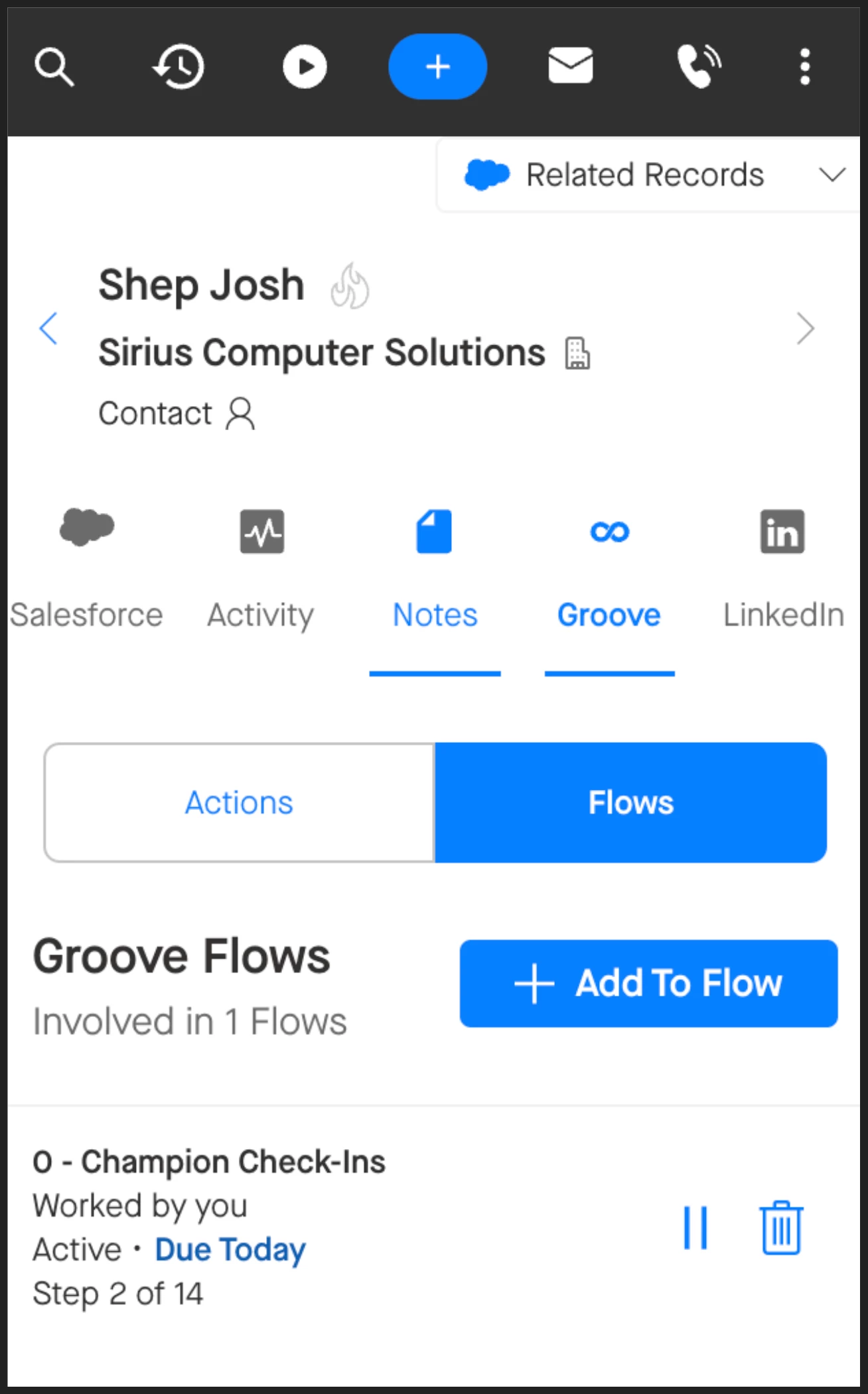
Groove makes it easy to review a Contact or Lead’s Groove Flow participation no matter where you’re working.
You can see the complete history of what messaging a person has received in the Omnibar whether you’re working in your Inbox or in the Flows tab in the Groove web app. View all the Flows in which a Contact has ever been active in the Omnibar—including ones assigned to other team members. This helps you avoid redundant outreach and time your communication effectively.
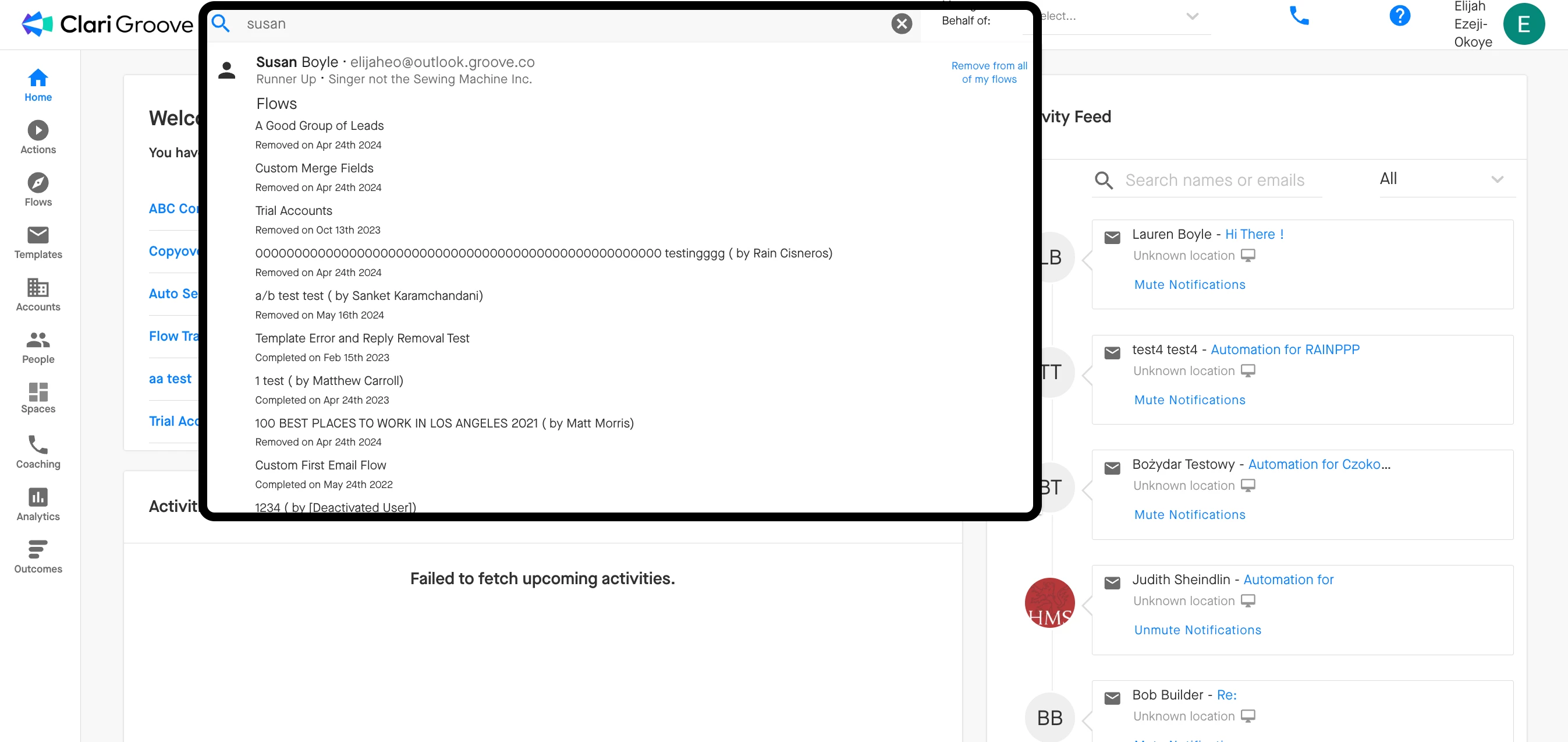
If you search for a Contact or Lead in the global search bar at the top of the Groove web app, you’ll also see a complete history of their Flow participation.
Groove also stamps the most recent Flow on every Contact and Lead in the Last Flow Name field in Salesforce to help you report on past engagement. You can probably find this in the Contact or Lead details in Salesforce, although that depends on how your organization has decided to your team’s Salesforce page layouts.
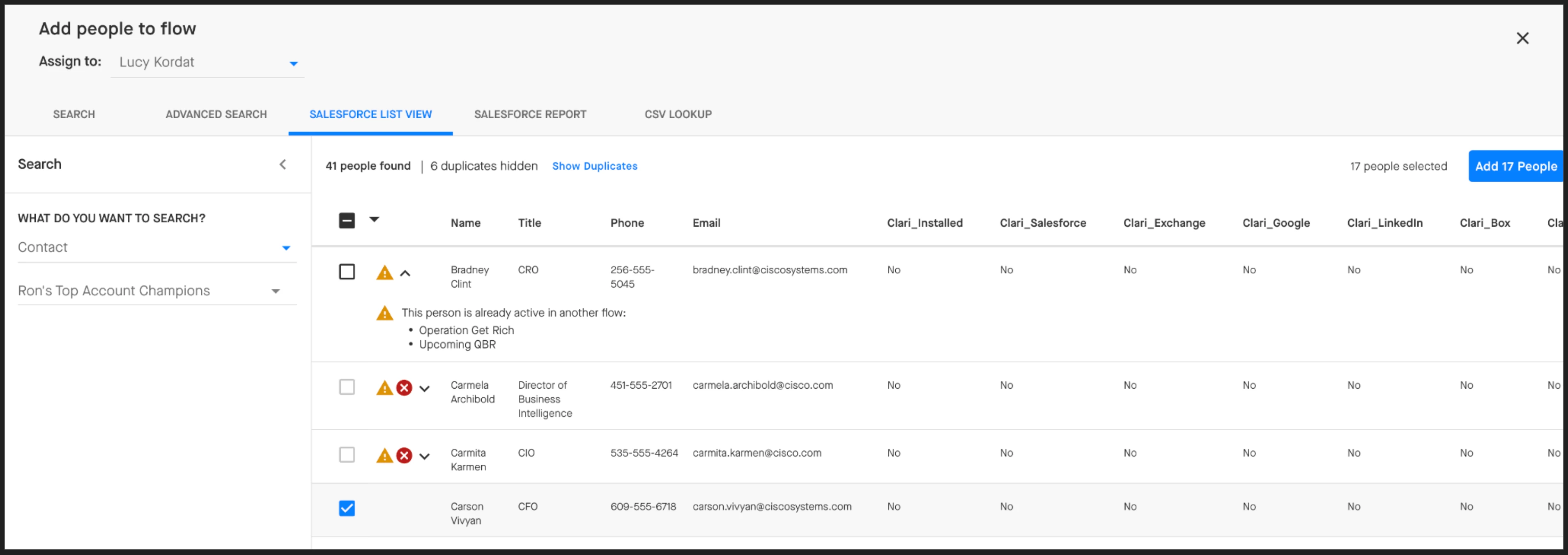
Additionally, Groove puts guardrails in place when you’re importing people into Flows from a Salesforce Report or a Salesforce List View—if a contact is already in a Flow, has opted out, or has active communications, you’ll see a warning icon. This helps prevent over-messaging and ensures a better experience for your prospects.