




With the Groove <> Zoominfo integration, it’s super simple to add new contacts to CRM (and then to your Flows!) without interrupting your workflow.
With the Omnibar open in its own window, you can easily view both LinkedIn, ZoomInfo, and Groove in a single pane of glass while researching prospects. (The ZoomInfo sidebar needs to be open on LinkedIn Sales Navigator in order for the Groove Omnibar to respond to the LinkedIn page you’re viewing.)
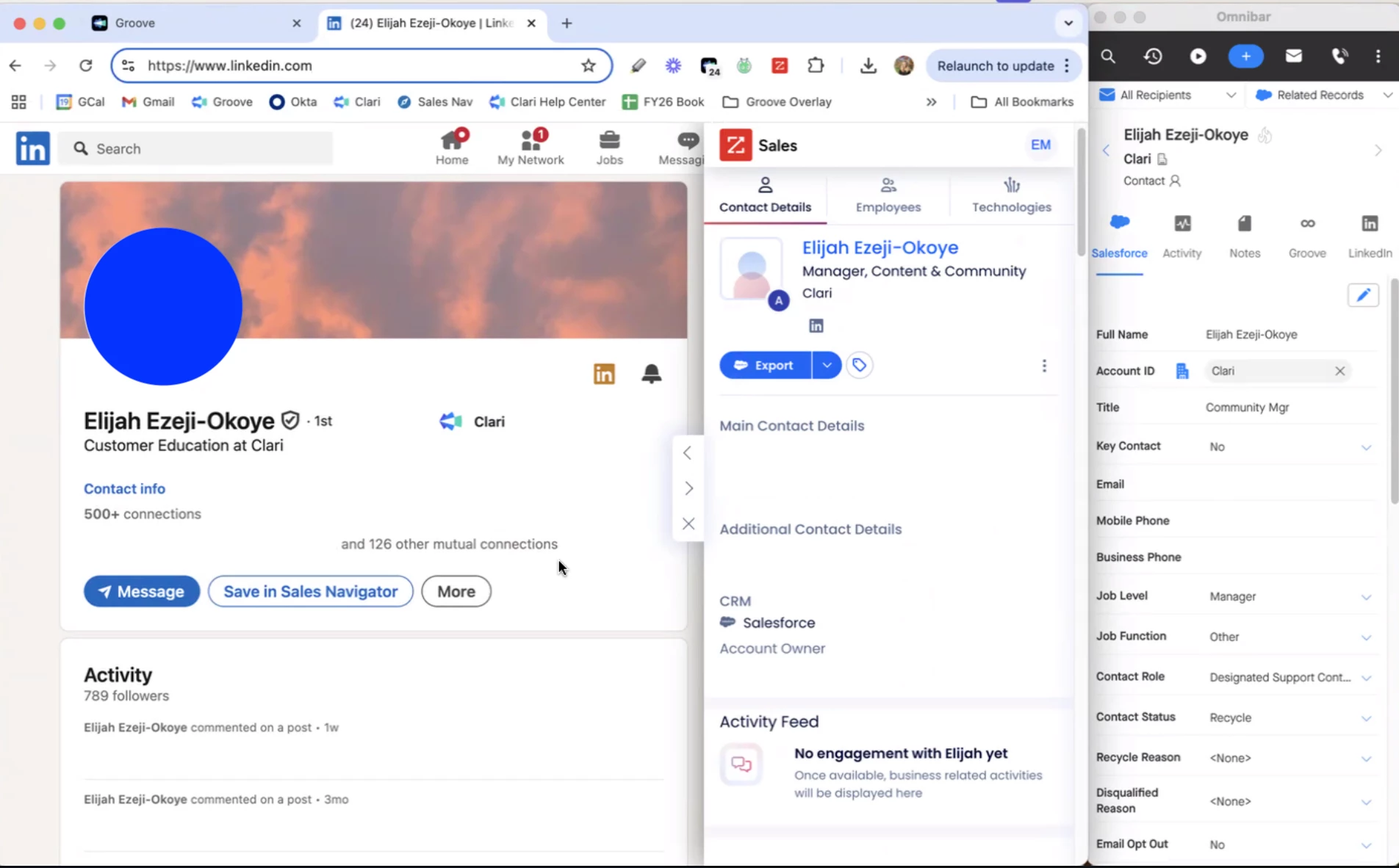
Groove’s integration with Zoominfo then allows you to easily push a contact to Salesforce directly from Zoominfo. With ZoomInfo’s extension, then you can easily push a contact’s information to Salesforce, and easily reference any of those records you've created. At that point, you can drop the contact into a Flow directly without needing to navigate through several different tools to get that contact into your CRM, and the into one of your Flows.
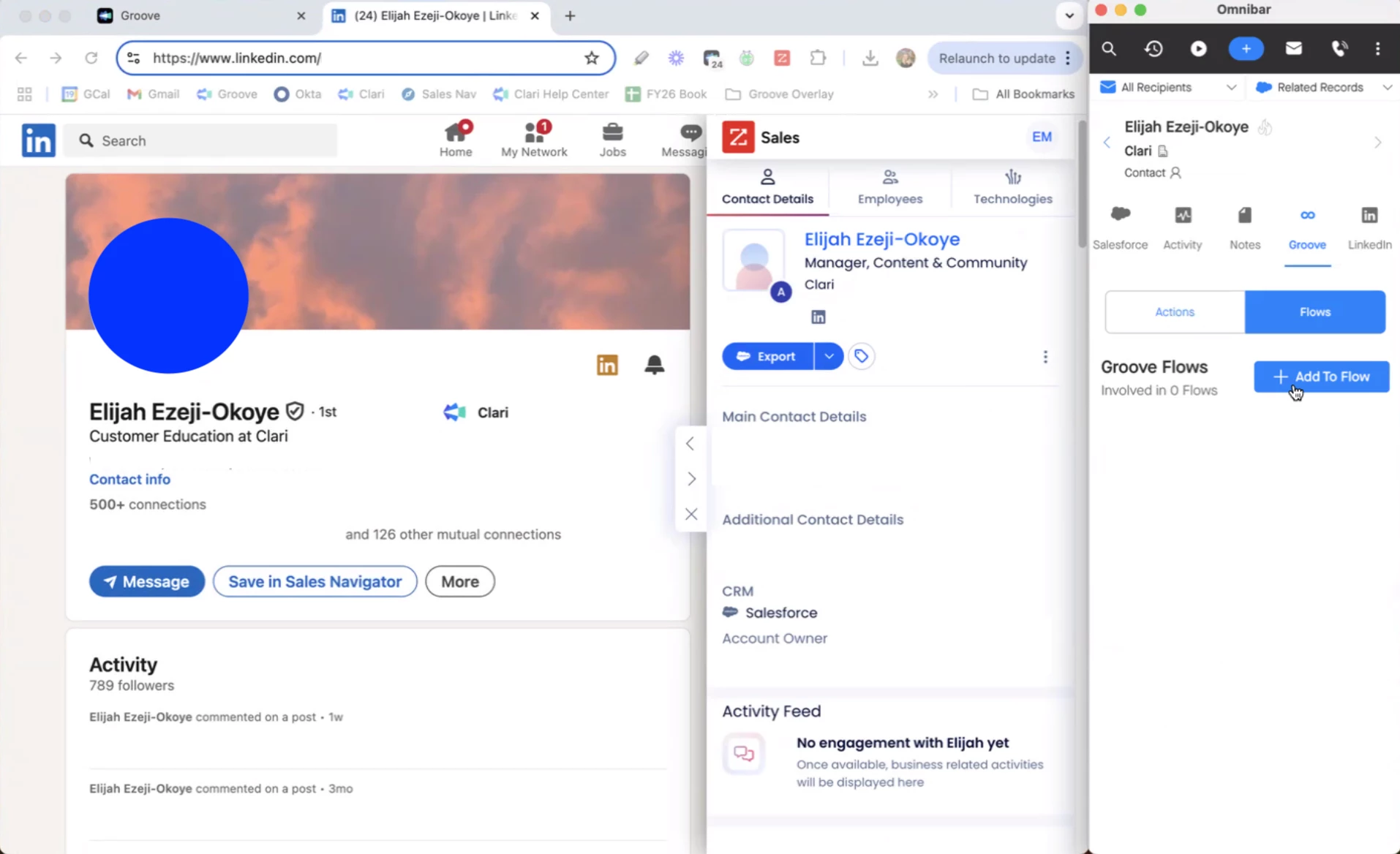
To learn more about the Groove <> Zoominfo integration and how to set it up, check out our knowledge base.
FAQs
Where in ZoomInfo Sales can a user export contacts to Groove flows?
Users will see Groove as an export option in the following locations:
- Advanced Search results
- Contact Profile page
- Company > Org Chart
Are contacts exported as leads or contacts to Salesforce?
A user can choose between exporting as a lead or a contact. The contact will be exported and added to Salesforce as a net new creation, or by updating an existing record. Then, the contact will be added to the selected Groove flow.