




Have you ever finished an important customer call, eager to jump into the insights and highlights, only to find that your Copilot call recording is stuck in "Processing"? 🙈It can be frustrating, especially when you need to share those crucial moments with your customer or team to reference a key moment from that call
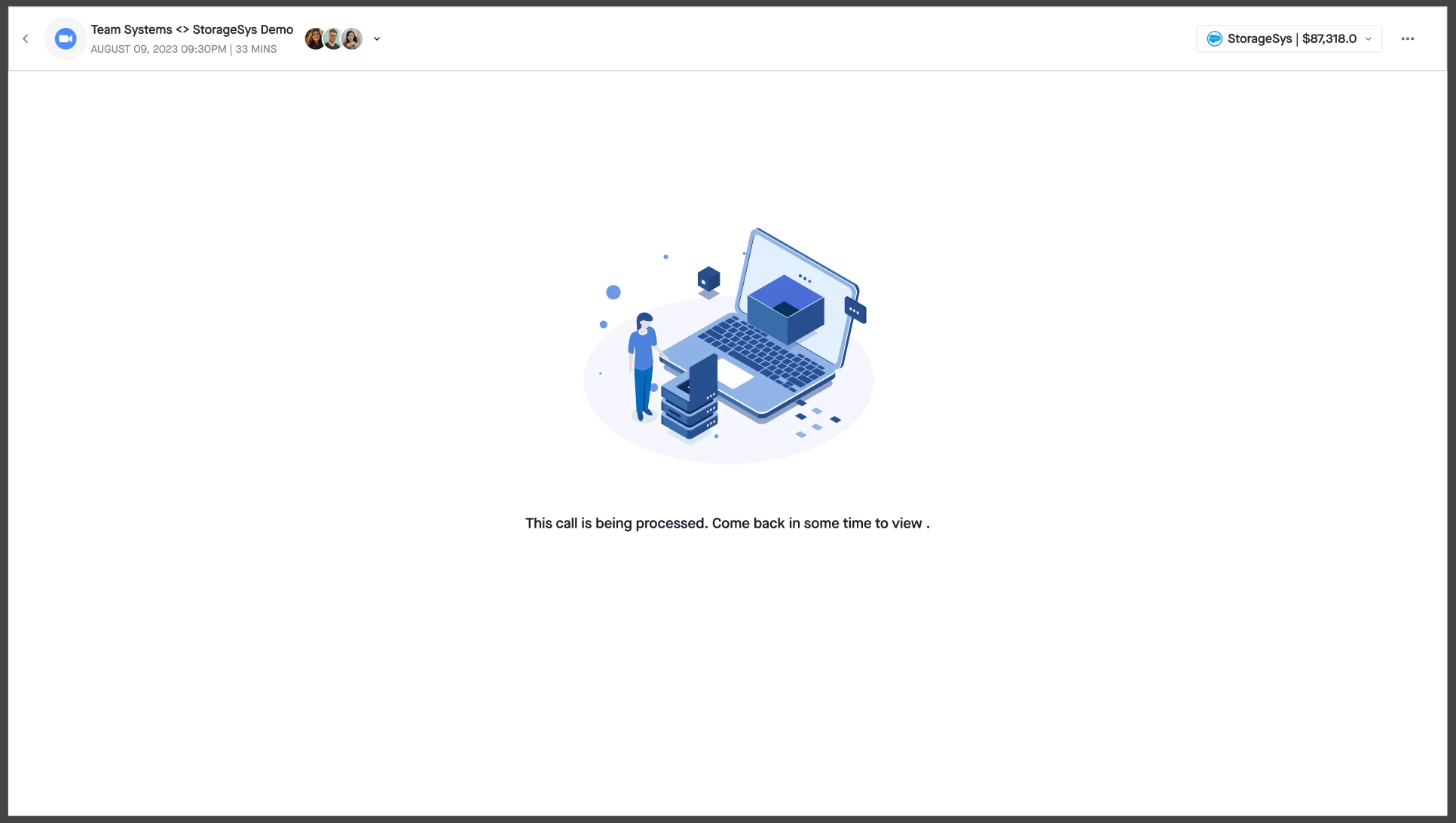
While most calls process seamlessly, there are a few reasons why a recording might take a little longer. Let’s pull back the curtain a bit and look at what happens when a call is completed and why you might sometimes see a delay.
The Journey of a Call Recording in Clari Copilot
When you use Clari Copilot, your calls move through several stages—beginning with scheduling and recording, and then moving into processing. Whether it’s a video call or a dialer call, processing happens step by step: generating the video, creating transcripts, producing summaries, applying AI predictions, and updating CRM records.
The good news? Your call data becomes available incrementally as each stage completes, so you don’t have to wait for the entire process to finish before accessing key insights.
How long does it take to process a call?: For the vast majority of calls (99%), processing times fall within these ranges:
- Recorded calls: 30–45 minutes
- Dialer calls: 1–1.5 hours
Note: These timeframes include the full cycle and processing—video, audio, transcripts, and all AI-generated insights. However, your basic call recodings (with video and transcript) are made available on the call review page within a few mins to help make sharing and collaboration easy and faster
Why might a call take longer?
Here are the most common reasons a call recording might take longer to be available:
- Call Duration: Longer calls naturally take more time. For example, a two-hour call will require significantly more processing than a 30-minute call.
- Native Recordings (Zoom or Webex): If you’re using native recordings from Zoom or Webex, the availability depends on when those platforms make the recordings accessible through their APIs
- Zoom recordings typically take 1–3 hours to become available.
- Webex recording might take anywhere from 30 minutes to a few hours to become available for us to process.
- In rare cases, availability can be delayed by up to 24 hours.
- Processing Queue Load: Just like a busy highway during rush hour, our system's processing pipeline can get backed up. While this is rare and we're always optimizing, a temporary increase in system load can cause a brief delay until the pipeline catches up.
- External File Format or Metadata Issues: For files uploaded from other dialers or custom integrations, a discrepancy in the file format or metadata can prevent it from being processed automatically. Think of it like trying to play a video file in a format your media player doesn't recognize—it just won't work.
- Service Incidents: On rare occasions, a platform incident or outage—either with Copilot or a connected third-party service—can result in delayed or missing recordings. If there's a widespread issue, our team is already always on it and you can track the status update here
Don’t Worry—We’ve Built a Safety Net
Even when errors occur, Clari Copilot has auto-retry mechanisms in place. Bottom line being: Extended processing times are the exception, not the rule. For 99% of calls, you can expect processing to be complete within the standard timeframes—ensuring that your teams have timely access to recordings, transcripts, insights, and CRM updates.
Hope this helps you understand the various reasons behind processing delays! If a call is stuck for longer than expected, you can always reach to Clari Support and we’d be happy to help😊